
DS-160 form for F1 visa: How to fill it step by step (with common mistakes)

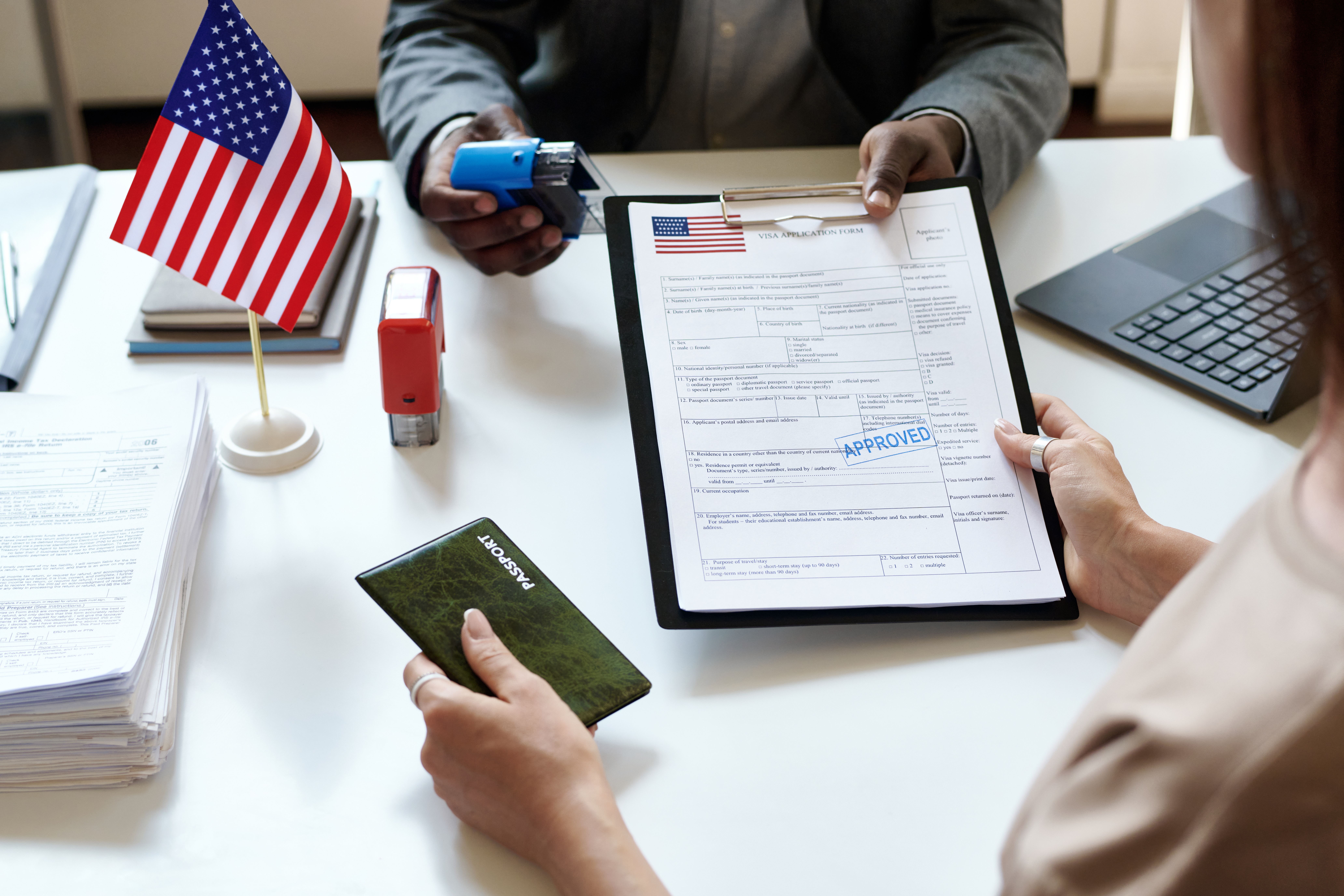
Learn how to fill the DS-160 form for an F1 visa step by step, with common mistakes to avoid and tips to stay consistent for your interview.
Filling the DS-160 form is one of the most important steps in your F1 visa application, and also one of the most stressful.
A small typo, inconsistent answer or missing detail can create confusion at your visa interview. That’s why it helps to approach the DS-160 application calmly, with a clear plan.
This guide shows you how to fill the DS-160 form step by step, explains what each section is really asking for, and highlights common mistakes to avoid, so you can submit your form with confidence.
What is the DS-160 form?
The DS-160 form is the official online non-immigrant visa application used for F1 student visas to the United States.
It collects information about your:
Personal and passport details
Education and work history
US university and programme
Funding sources*
Travel plans and background
Your visa officer reviews your DS-160 application before your interview. Many interview questions are based directly on what you enter here, which is why accuracy and consistency matter so much.
Before you start: DS-160 checklist
Before opening the DS-160 form, make sure you have the following ready. This saves time and reduces mistakes.
Passport
I-20 form from your US university
University address and programme details
Travel history (if any)
Details of previous education and employment
Funding information (savings, loan, scholarship, sponsor)*
A quiet 45 to 60 minutes to focus
The DS-160 session times out if left idle, so preparation matters.
How to fill the DS-160 form: step-by-step guide
Below is a practical DS-160 guide that walks through each section in the order you’ll see it.
1. Start the DS-160 application
When you begin:
Select the country where you’ll attend your visa interview
Note down your Application ID shown on the first page
Choose a security question you’ll remember
You’ll need these details if you save and return later.
2. Personal information
Enter your name exactly as it appears on your passport:
No abbreviations
No spelling variations
No initials unless they appear on the passport
For marital status, place of birth and nationality, answer truthfully and consistently.
Common mistake: using a nickname or shortened name.
3. Travel information
For F1 visa applicants:
Purpose of travel: Student (F1)
Intended date of arrival: use your programme start date from the I-20
Intended length of stay: enter the duration of your programme
If you don’t have accommodation yet, using your university’s address is acceptable.
4. US contact information
If you don’t know a specific person in the US:
Use your university as the contact organisation
Enter the international student office details
This is common and acceptable for students.
5. Family information
Provide basic details about your parents.
This does not require them to be sponsoring you
Answer even if your parents are not funding your education*
6. Education and work history
List all post-secondary education accurately, including:
Institution names
Dates attended
Degrees earned
If you have work experience, include:
Employer name
Job title
Brief description of duties
Be consistent with what appears on your CV and supporting documents.
7. Funding information
This section is critical.*
Clearly indicate how you will fund your studies, such as:
Personal or family savings*
Scholarships*
Education loans*
Your answer should align with the financial documents you’ll carry to the interview.*
8. Security and background questions
Most applicants answer “No” to the majority of questions.
Answer honestly and calmly. These questions are standard and not designed to trick you.
DS-160 photo upload rules
You’ll be asked to upload a digital photograph.
Key requirements usually include:
White background
Neutral facial expression
No glasses (unless medically required)
Recent photo
If your photo upload fails, you can carry physical photos to your visa interview instead, depending on consulate guidance.
Saving, editing and correcting mistakes
You can:
Save your DS-160 form and return later
Edit answers anytime before submission
Once submitted:
You cannot edit the same DS-160
You must submit a new DS-160 form if corrections are needed
Submitting a new DS-160 is allowed, as long as you bring the correct confirmation page to your interview.
DS-160 confirmation page explained
After submitting your DS-160 application, you’ll receive a DS-160 confirmation page with a barcode.
This page is mandatory for:
Booking your visa appointment
Entering the US consulate
Attending your visa interview
Print at least one copy and keep a digital backup.
Without the confirmation page, you will not be allowed to attend your interview.
How the DS-160 fits into your overall F1 visa process
The DS-160 form is not a standalone task. It connects directly to:
Your F1 visa interview
Your documents checklist
Your funding explanation*
If you want to understand how it fits into the full F1 visa journey, including interviews, timelines and rejection reasons, see our complete F1 visa for the USA guide.
One clear next step
If part of your funding plan includes an international student loan, confirming eligibility early can help keep your DS-160 funding answers aligned with your documents.*
Check your loan eligibility with Prodigy Finance*
DS-160 FAQs
Does the DS-160 form expire?
Can I submit multiple DS-160 forms?
Is there a fee to submit the DS-160?
Should my DS-160 answers match my interview answers?


